
Lately I have been doing more of my agent-driven work on remote machines and hosted environments I do not fully control.
That shift has been great in a lot of ways.
- the workflow keeps running after I close my MacBook
- I do not have to burn local resources for every long-running task
- it is easier to spin up focused environments for experiments, builds, or one-off jobs
But there is one recurring problem that kept showing up: getting files back from those environments is way more annoying than it should be.
If an agent creates a screenshot, log bundle, export, or generated artifact, the handoff to me is usually clunky.
The typical options look something like this:
- SSH into the machine and pull the file down manually
- ask the agent to start a temporary HTTP server so I can fetch the file in a browser
- expose or tunnel a port and hope the environment allows it
- improvise some storage or transfer flow that only exists for this one moment
None of those are impossible. They are just annoying enough to repeatedly break flow.
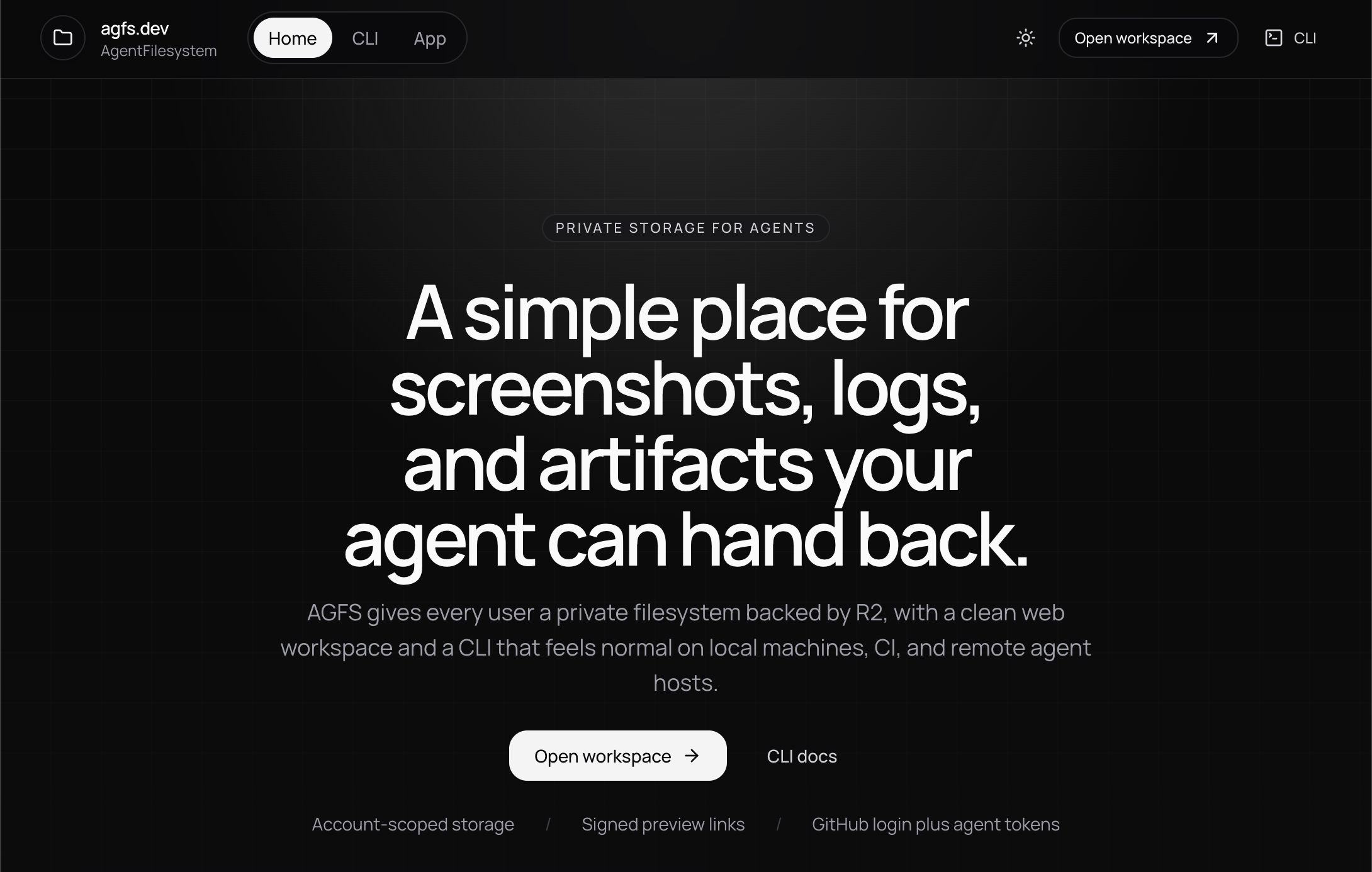
That is why I built agfs.dev.
Code is open at github.com/nearbycoder/agfs.
The real problem is not file storage
The pain point is not that remote machines cannot store files.
Of course they can.
The pain point is the user experience around retrieving those files when a human wants to quickly inspect them.
That difference matters.
Most remote environments already have some way to move bytes around. The problem is that the common workflows feel bolted on:
- one-off SCP commands
- ad hoc servers
- raw bucket URLs
- extra auth steps
- manual port gymnastics
When you are working with agents, that friction adds up fast. You want the agent to be able to say, “here is the file,” and for that to actually mean “here is a link you can click right now.”
That was the bar I wanted.
What I wanted instead
I wanted a simple control plane for agent-created artifacts with two basic primitives:
- a place to upload and browse files
- a way to generate signed links that feel native to the product
That turned into AGFS: AgentFilesystem.
The product is intentionally simple:
- a web UI where I can browse and download files
- a CLI an agent can use from a remote box, CI job, or local shell
- signed share URLs that can be pasted directly into chat
That last part is the key.
Instead of asking an agent to explain how to retrieve some file from a random environment, I can ask it to upload the file to AGFS and hand me the link. A few lines of setup becomes a reusable workflow.
The difference is small on paper, but large in practice. “Upload and send the AGFS link” is much easier to standardize than “figure out some way to expose this file from wherever you happen to be running.”
Why Git is not the answer here
A fair question is: why not just use Git?
If the work is happening in a repo anyway, why not put the files there and pull them down normally?
For me, the answer is that most of the files I want to inspect are not source code. They are artifacts.
That usually means things like:
- screenshots
- logs
- generated images
- recordings
- exported reports
- temporary debug output
Those files can be incredibly useful, but that does not mean they belong in version control.
Git is great for source history. It is not the place I want to throw every artifact I need to inspect once, compare quickly, or hand between workflows.
I also like that AGFS can act as a lightweight context layer between agents.
Because the CLI supports upload and download, one workflow can produce artifacts and another can consume them later. I am not claiming this is some magical universal context engine, but it is a useful primitive if you want to get fancy with cross-agent handoffs.
How I built it
I built AGFS as a small Cloudflare-native monorepo with separate packages for the web app, shared contracts, database layer, and CLI.
The main pieces are:
- a
TanStack Startweb app running on Cloudflare Workers R2for storing the actual file bytesD1for metadata and account-scoped stateBetter Authwith GitHub auth for the browser experience- shared
Zodcontracts so the app and CLI speak the same language - a TypeScript CLI for login, upload, download, and share operations
That architecture matched the job well.
I wanted something lightweight to operate, easy to deploy, and comfortable for a product that sits between humans, remote agents, and file storage. Cloudflare made sense because the web app, auth flows, metadata, and object storage could live in one fairly tight system.
The CLI matters just as much as the web app.
The web side makes browsing and previewing pleasant. The CLI is what makes the system useful in real workflows. If an agent cannot easily upload a file and get back a shareable URL, the product loses most of its value.
The workflow I wanted looks more like this:
agfs upload ./run/screenshot.png /runs/latest/screenshot.png --share 1hInstead of making the user figure out the remote environment, the agent can just return the resulting link in chat.
That is the whole point.
Why I open sourced it
This is not some wildly original idea.
There are plenty of tools that can move files around. There are also many ways to build internal versions of this workflow.
That is exactly why I wanted to open source it.
If the problem resonates with you, you should be able to fork it, self-host it, or rip pieces out and adapt them to your own setup. The value here is not pretending AGFS invented file sharing. The value is packaging a practical workflow into something easy to understand, extend, and reuse.
Open sourcing it also keeps me honest about the product. If the setup, architecture, or UX feels awkward, that is visible immediately. I like that pressure.
Why I think this category matters
As more of us push agent workflows into remote machines, CI runners, cloud sandboxes, and hosted tools, I think the “artifact handoff” layer becomes more important.
We spend a lot of time talking about prompts, tools, and orchestration, but not enough time talking about how an agent returns the non-text output you actually care about.
Sometimes the answer is not another abstraction. Sometimes it is just:
- upload the file
- keep it in a private namespace
- return a signed link
- let the human click it
That is the problem AGFS is trying to solve.
Install and try it
If you want to use AGFS directly, the fastest path is the CLI.
Install it globally, authenticate once, and confirm the session:
npm install -g @agfs/cli
agfs login
agfs whoami
Once you are connected, you can upload a file and immediately get back a signed preview link:
agfs upload ./run/screenshot.png /runs/latest/screenshot.png --share 1hIf you are wiring AGFS into a headless workflow, CI job, or remote agent host, you can also use token-based auth:
export AGFS_BASE_URL=https://agfs.dev
export AGFS_TOKEN=agfs_pat_...
Try it or fork it
If you want to use it as-is, you can try agfs.dev. Right now the product includes a free 1 GB tier.
If you would rather inspect or modify the code, the full project is open at github.com/nearbycoder/agfs.
I also added the project breakdown here: agfs.dev project page.