![Lines 4 to 28 of main.js: a menubar call with index https://emojicp.com/, width 500 and height 500; a ready handler that tracks whether the window is shown through after-show, after-hide and focus-lost events; and two global shortcuts, CommandOrControl+Shift+] and Command+Enter, that hide the window if it's shown and show it otherwise.](/images/projects/emoji-cp-menubar.webp)
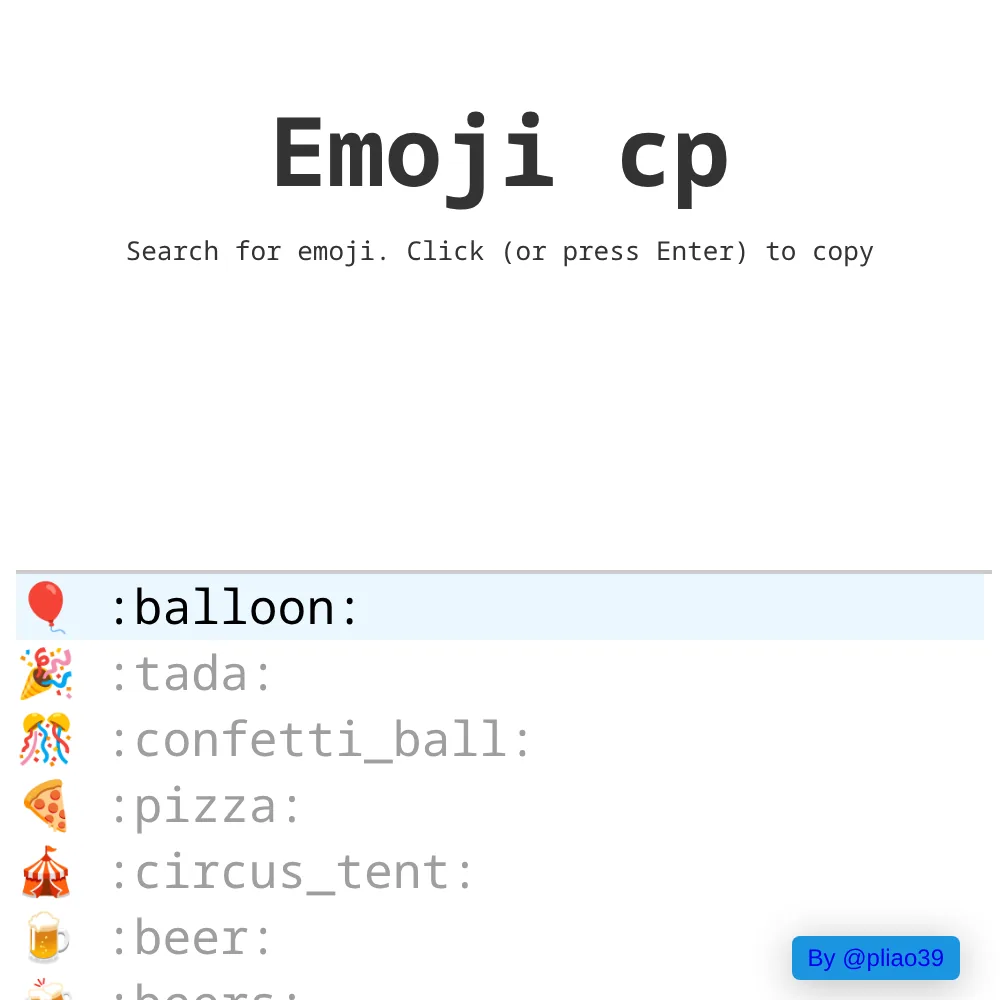
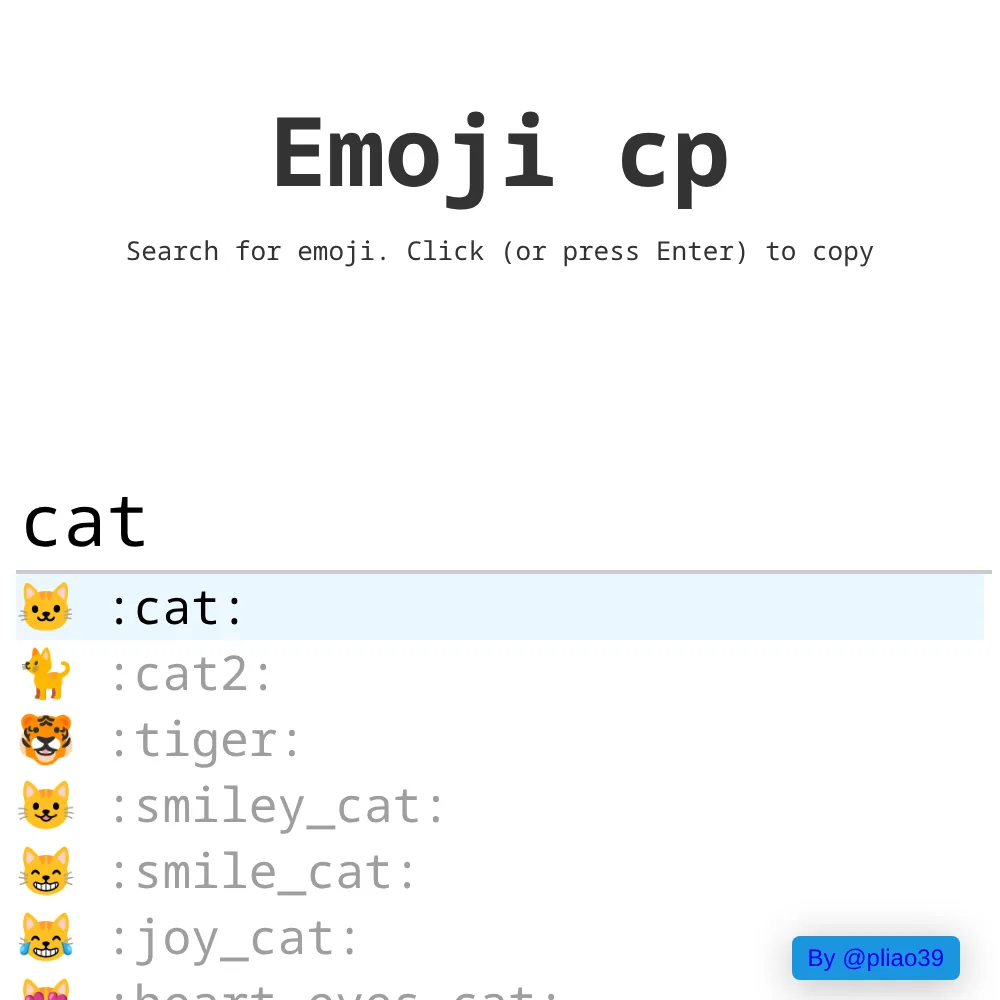
emoji-cp-menubar puts emojicp.com in the menu bar. Click the tray icon, or press Command-Shift-] (Control-Shift-] outside macOS) or Command-Enter, and a 500 by 500 window opens under the icon with the site loaded. The window hides again when it loses focus. emojicp.com isn’t part of this project: it’s an emoji search site by @pliao39 that tells you to search for an emoji, then click it or press Enter to copy it. The app shows the site as it is.
It was pushed in a single commit on December 17, 2019, and hasn’t changed since. The site it loads is still online.
How it’s built
main.js is the whole app. It uses menubar 5.2, a small library that creates a tray icon with a window positioned under it, on Electron 4.0.6. The app keeps track of whether the window is showing, so each of its two global shortcuts can toggle it. Right-clicking the tray icon opens a menu with “restart app” and “quit”, and the application menu adds the standard Edit, View, Window and Help items. The repository has no icon of its own, so the tray shows menubar’s default.
The README calls it a slim version of an Electron app that points to a webview, with everything needed to build a menu bar app. Some names inside come from elsewhere: package.json calls it quikstand-menubar, with the product name “Menubar app for Quikstand”, and the macOS app menu is labeled yei-menubar. A build-macos script packages an x64 macOS app into release-builds with electron-packager 13.
The creation date shown here is the GitHub repository’s UTC creation date. The app itself wasn’t run for this page, since it needs a desktop session. The screenshots show emojicp.com, the third-party site the app loads, captured in a headless browser at the app’s 500 by 500 window size in November 2026, and the code card shows the repository’s real main.js.