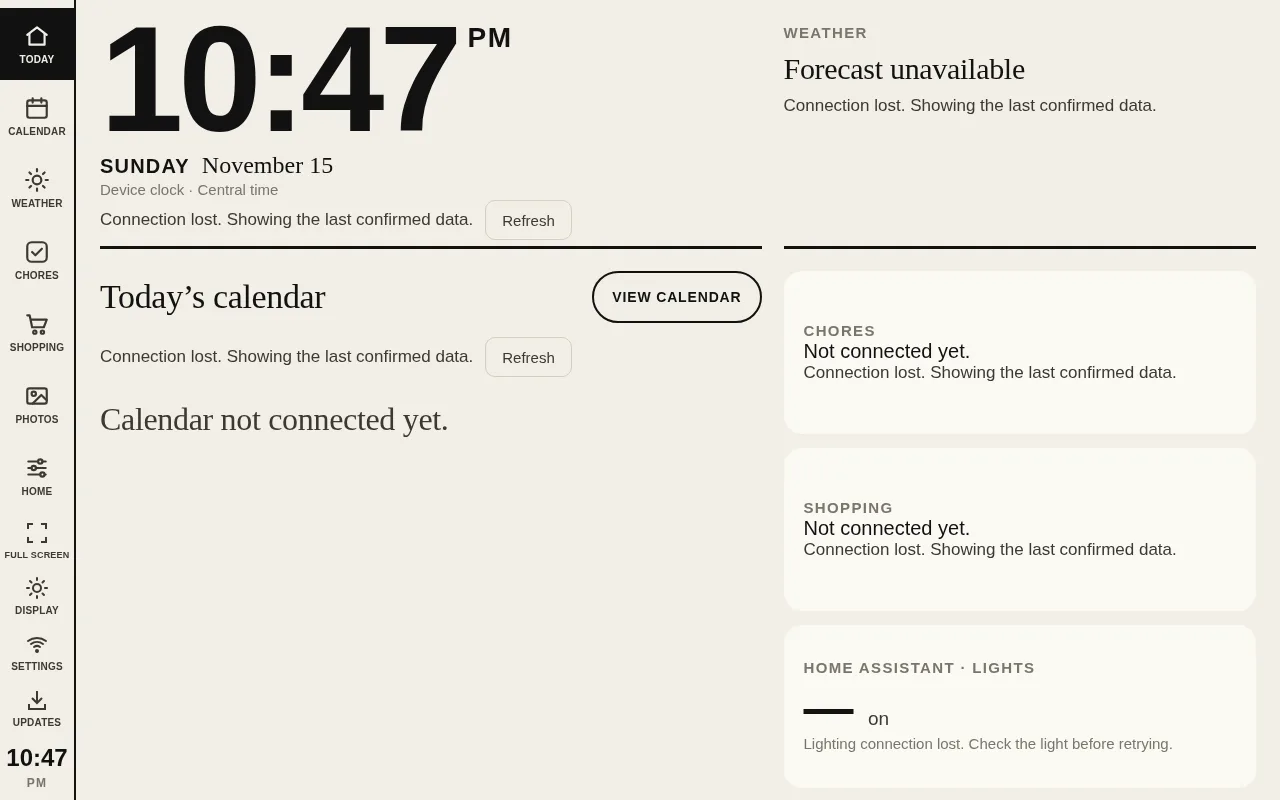
Frame Dashboard turns a wall-mounted Android photo frame into a home dashboard. It shows the time, today’s calendar, chores, the shopping list, the weather and family photos, and it controls the house lights through Home Assistant. The frame keeps its own copy of the dashboard and updates it straight from this repository’s GitHub releases, so no computer needs to stay on.
It’s based on wesbos/photo-frame-dashboard, which supplied the original dashboard design and kiosk sources. This repository adds lighting state verification, a lightweight display mode, a remembered kiosk URL and GitHub release delivery, and later live household data and a small on-device runtime. Upstream supplied no license file, and this repository has none and doesn’t assign a new license to the upstream work.
On the frame
The dashboard runs on a rooted Android 6 photo frame, tested on a ZN-DP1002 with an ARMv7 chip and WebView 107. A kiosk app shows the dashboard full screen, and a small static Go program runs beside it on the device. That runtime serves a verified copy of the dashboard on the frame’s own loopback address, downloads new releases from GitHub, and talks to Ring MCP for household data and lighting. Wi-Fi is needed for live data and release checks, but a cached dashboard still opens offline.
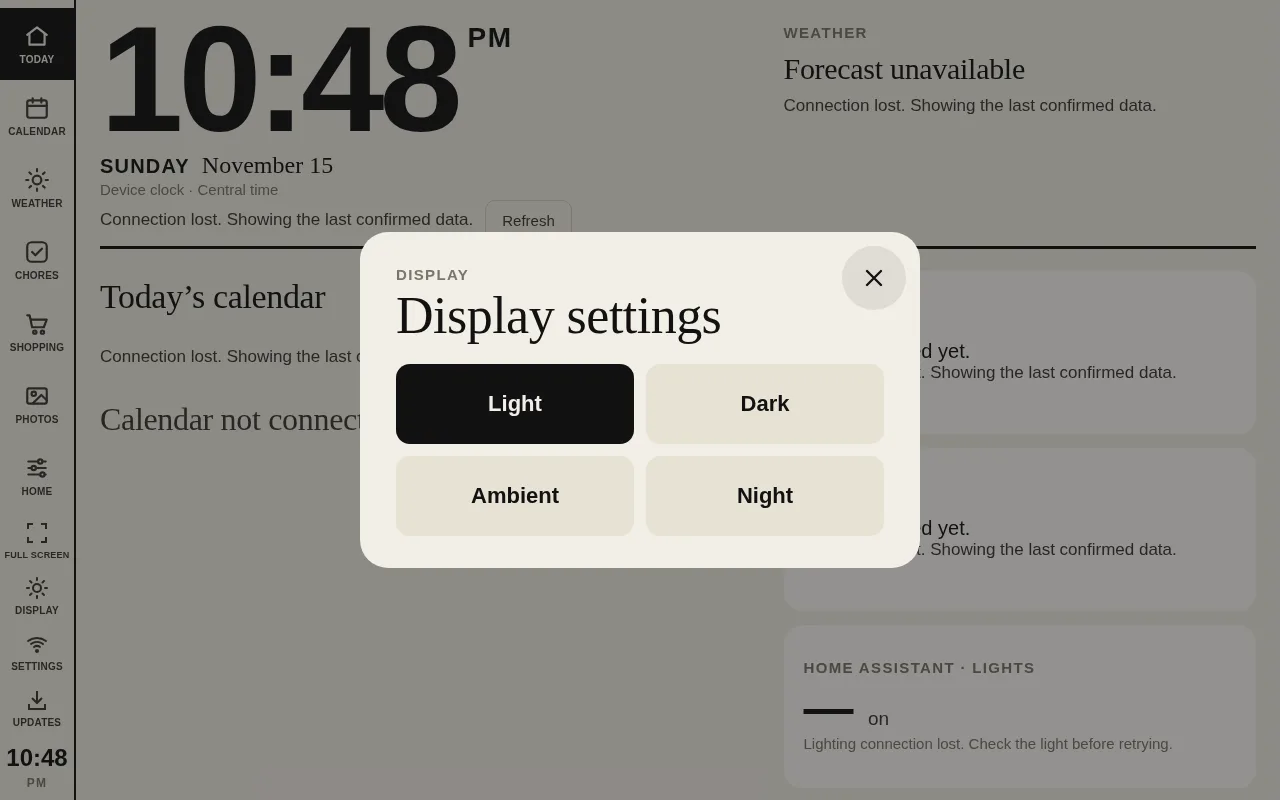
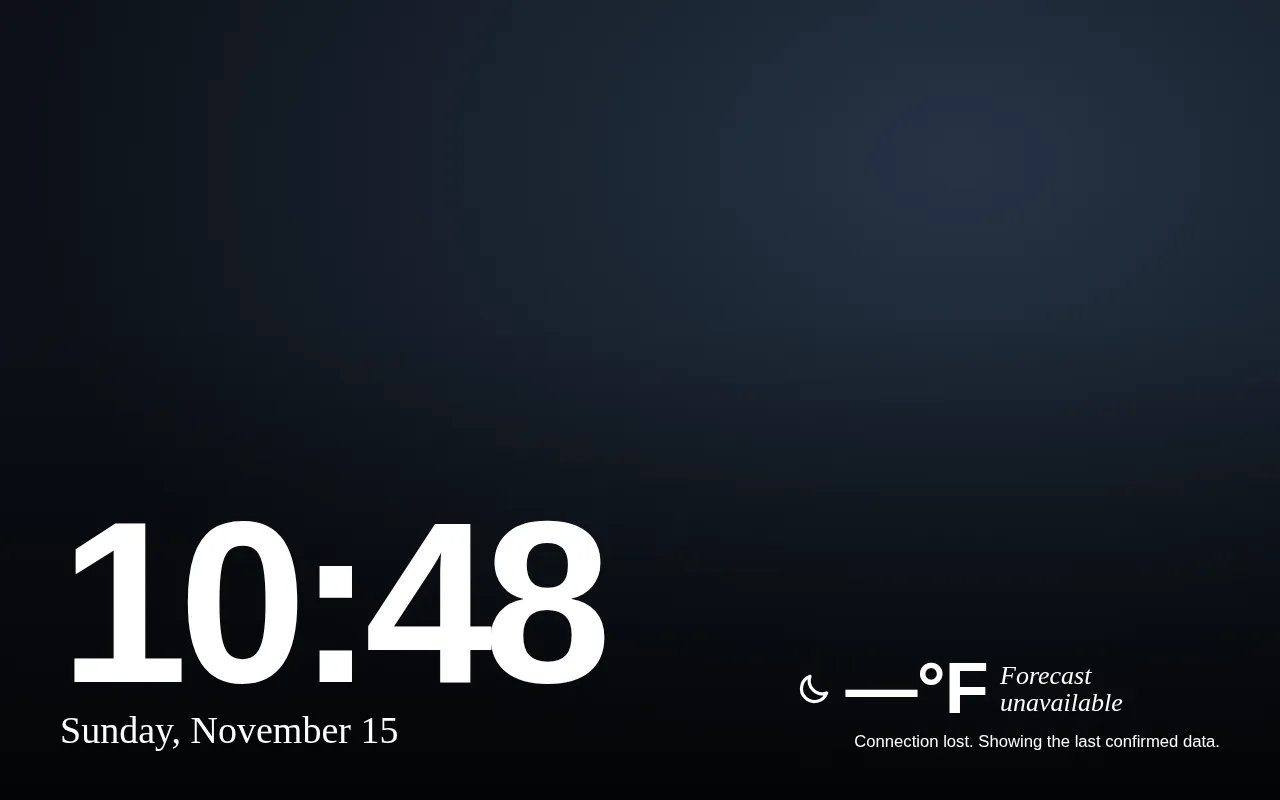
The sidebar switches between Today, Calendar, Weather, Chores, Shopping, Photos and Home, and also holds Full screen, Display, Settings and Updates. Display offers Light and Dark themes, which are remembered across reloads and updates, plus Ambient and Night modes. Settings opens Android’s own Wi-Fi chooser, with a Return to dashboard button, so the frame can join a new network without USB.

Household data
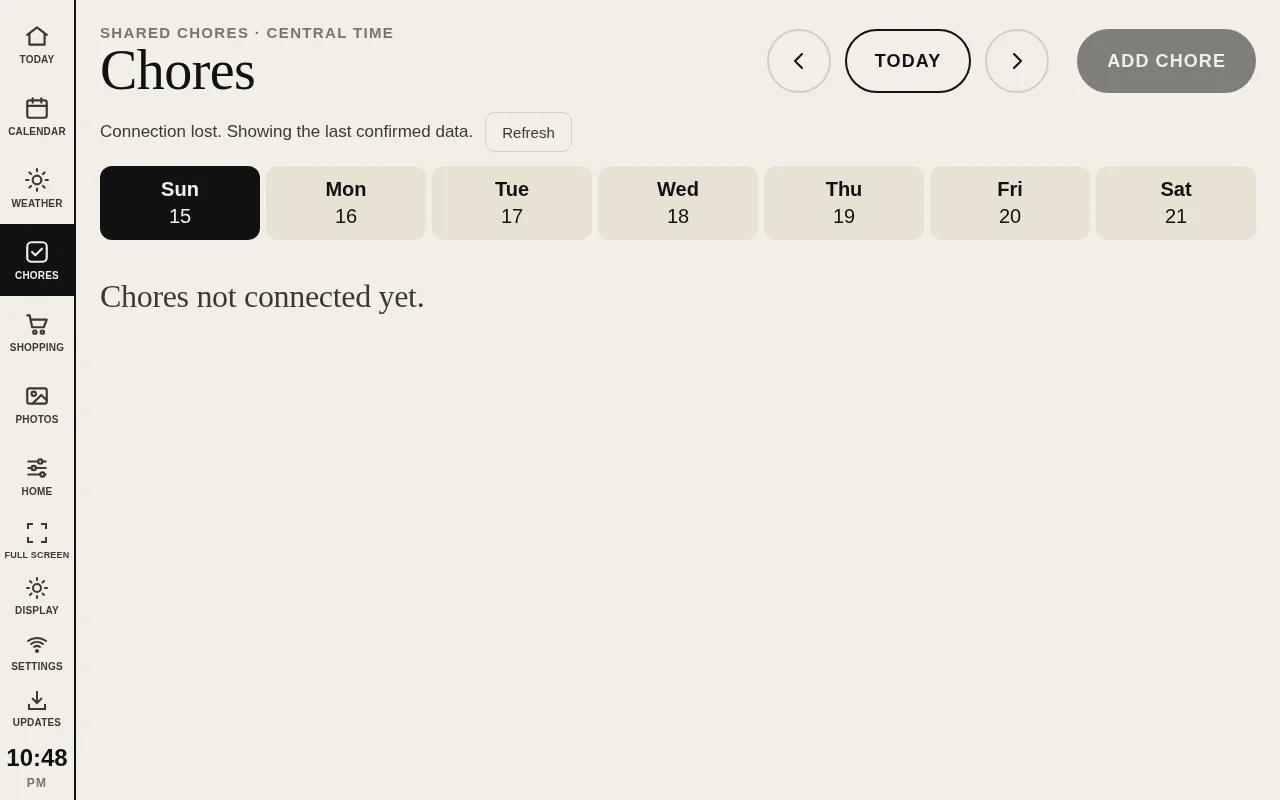
Calendars, chores, the shopping list, the day’s weather, the clock and photos all come live from Ring MCP. Calendar subscriptions are read-only, with day, week and month views. Chores can be created and checked off, and shopping items can be added, removed and have their quantities changed, all saving back to Ring and then reading the result again so the screen shows what was actually saved. Failed writes aren’t retried automatically.
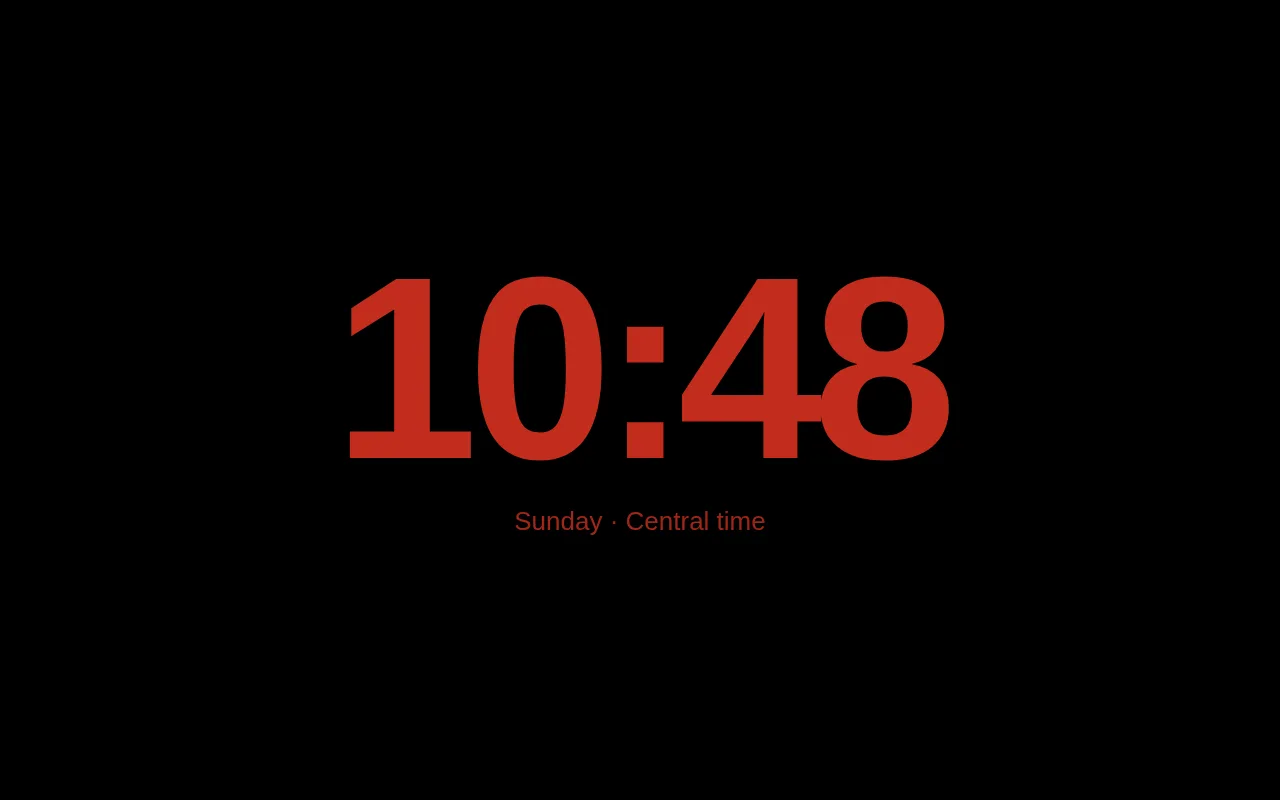
Shopping shows product thumbnails beside each item and an Add usual items picker with search and category filters. The Weather tab adds a seven-day day-and-night forecast, fetched by the frame directly from the National Weather Service API. Photos come from the live Ring photo gallery, rotating every five minutes, and Ambient mode shows them behind a large clock.
Data refreshes every five minutes while the screen is visible, and weather every fifteen. Manual refreshes and your own changes run right away. When a connection drops, the last confirmed data stays on screen with an error, and sample data is never substituted.
Home Assistant lighting
The Home screen lists the lights that Ring MCP exposes from Home Assistant, with their live power, brightness and color. Tap a row to toggle a light, or slide along it to set the brightness where your finger stops. A Color button offers warm, white, red, green, blue and purple presets, and All lights off switches off every reachable light that’s on.
Each change is checked rather than assumed. After a command is acknowledged, the dashboard reads Home Assistant’s state again and keeps the row marked as syncing until power and brightness match, for up to 12 seconds. If the light ends up somewhere else, it shows what was observed with a notice instead of claiming success. Different lights take commands at the same time, while repeated adjustments to one light collapse to the latest setting.
Updates from GitHub
Pushing a version tag runs a GitHub Actions workflow that tests the code, checks for credential patterns, builds the dashboard and attaches it as a release, along with the ARMv7 runtime. On the frame, Updates checks for a new release and offers Update / Later. The runtime validates every file’s path, size and SHA-256 hash before switching to the new version, so a partial download is never served. Applying an update reloads the page inside the same kiosk app, keeping the current section, without reinstalling the APK or restarting Android. The Updates screen identifies the installed release by its short Git commit SHA, matching GitHub.
Web updates never replace the native runtime, the kiosk APK, the WebView or the firmware, which are installed separately and on purpose.
Credentials stay on the frame
No tokens, Wi-Fi passwords, signing keys or personal data are in the repository or its releases. On the frame, the Ring authorization lives in a root-only file outside the web cache and the APK, and JavaScript never sees it. The runtime only listens on the frame’s loopback address, accepts a fixed set of operations rather than acting as a general MCP proxy, and requires a matching origin and a per-process control key for every change. Photos and product images are fetched through bounded proxies with redirects rejected, so the old Android 6 certificate store isn’t a problem and no credential reaches an image CDN.
How it’s built
The dashboard is plain JavaScript and CSS, built with Vite on Node.js 24. The on-device runtime is Go, cross-compiled to a static ARMv7 binary with the public Mozilla CA roots from curl’s CA extract embedded and certificate checks left on. The kiosk is a small Java Android app built without Gradle, and a Python script handles the one-time install over USB. Node’s test runner covers the dashboard and go test -race covers the runtime.
Set it up
Setup is for a rooted frame and a comfortable command line. The on-device guide covers building and signing the kiosk app with your own key, downloading the runtime and dashboard bundle from the releases page, and running the installer once. It doesn’t root a frame or change its firmware. To work on the dashboard itself, run npm ci, npm run build and npm run frame in dashboard/ and open it in a browser. The repository has the full details on updates, lighting and household data.
The creation date shown here is the GitHub repository’s UTC creation date. The repository has no screenshots, so the images on this page were rendered from the v1.1.8 release bundle in a desktop browser at 1280 × 800, with no Ring connection.