
These are the slides for a talk introducing GraphQL, written for TulsaRB, Tulsa’s Ruby user group, in 2018. A companion repository, tulsarb-graphql-server, holds a small Rails app that serves a GraphQL API for users and posts. Both were pushed on February 19, 2018, and neither has changed since.
The talk
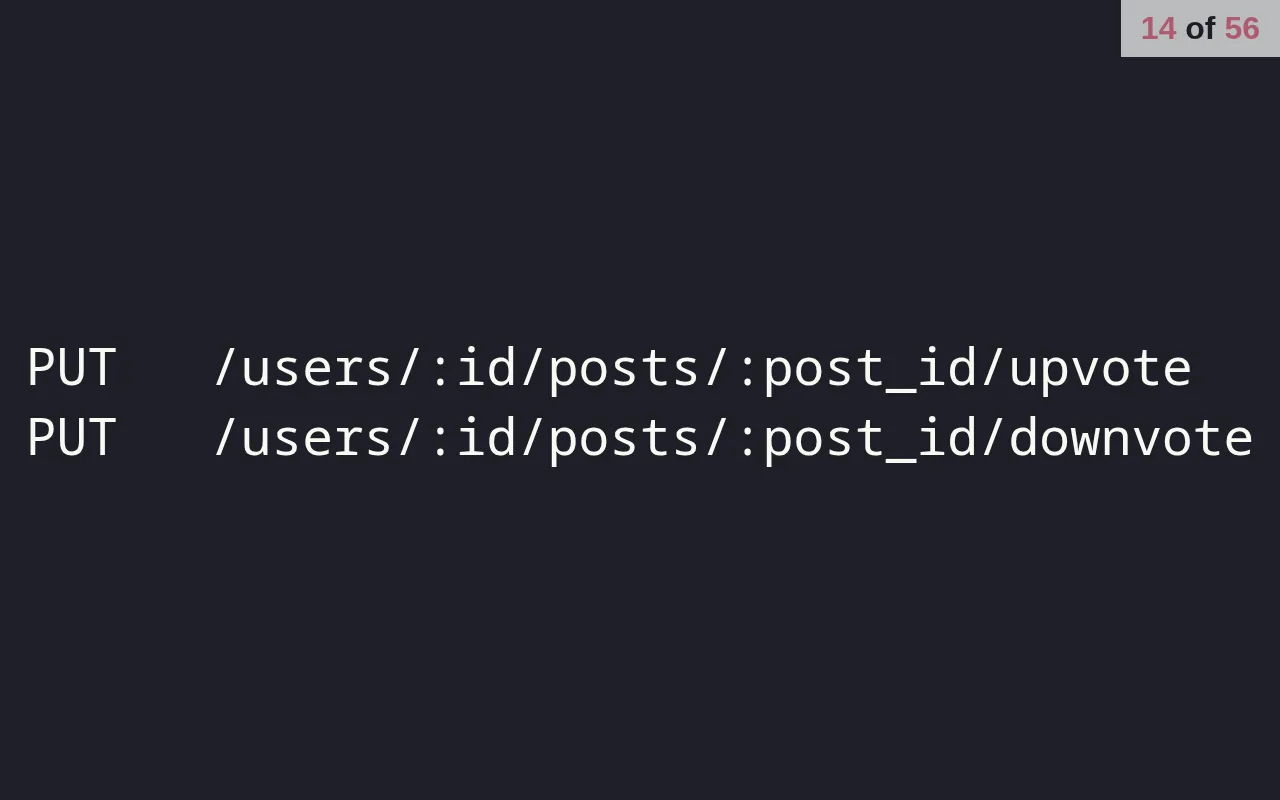
The deck makes its case against REST with one growing example. A users resource needs five endpoints, and posts under users need five more. Then a feature request to upvote and downvote posts adds two routes and new controller code “for a simple boolean flip”. Fetching nested data means either custom endpoints like /users_with_posts/:id, or responses full of links that take more requests to follow.
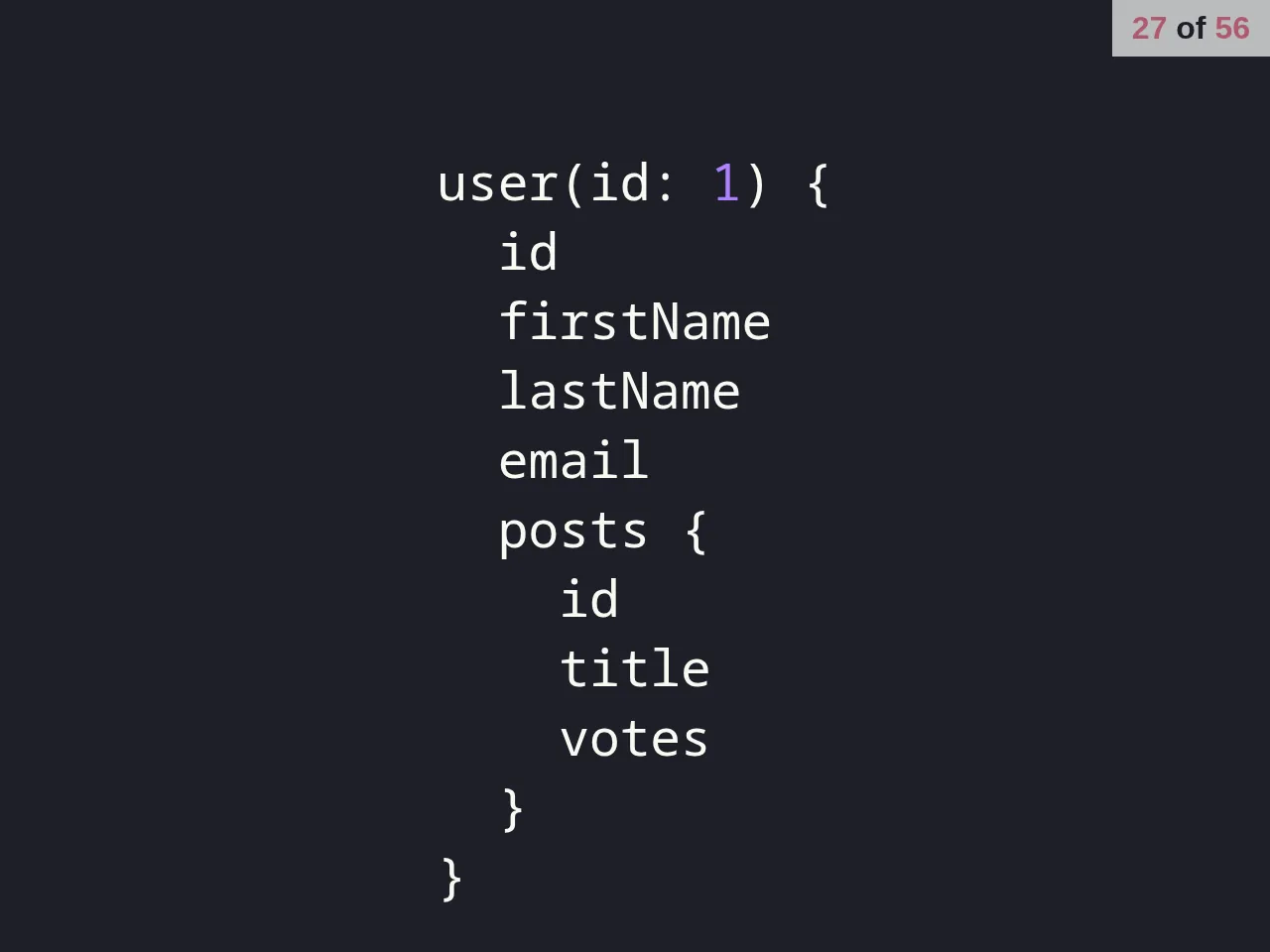
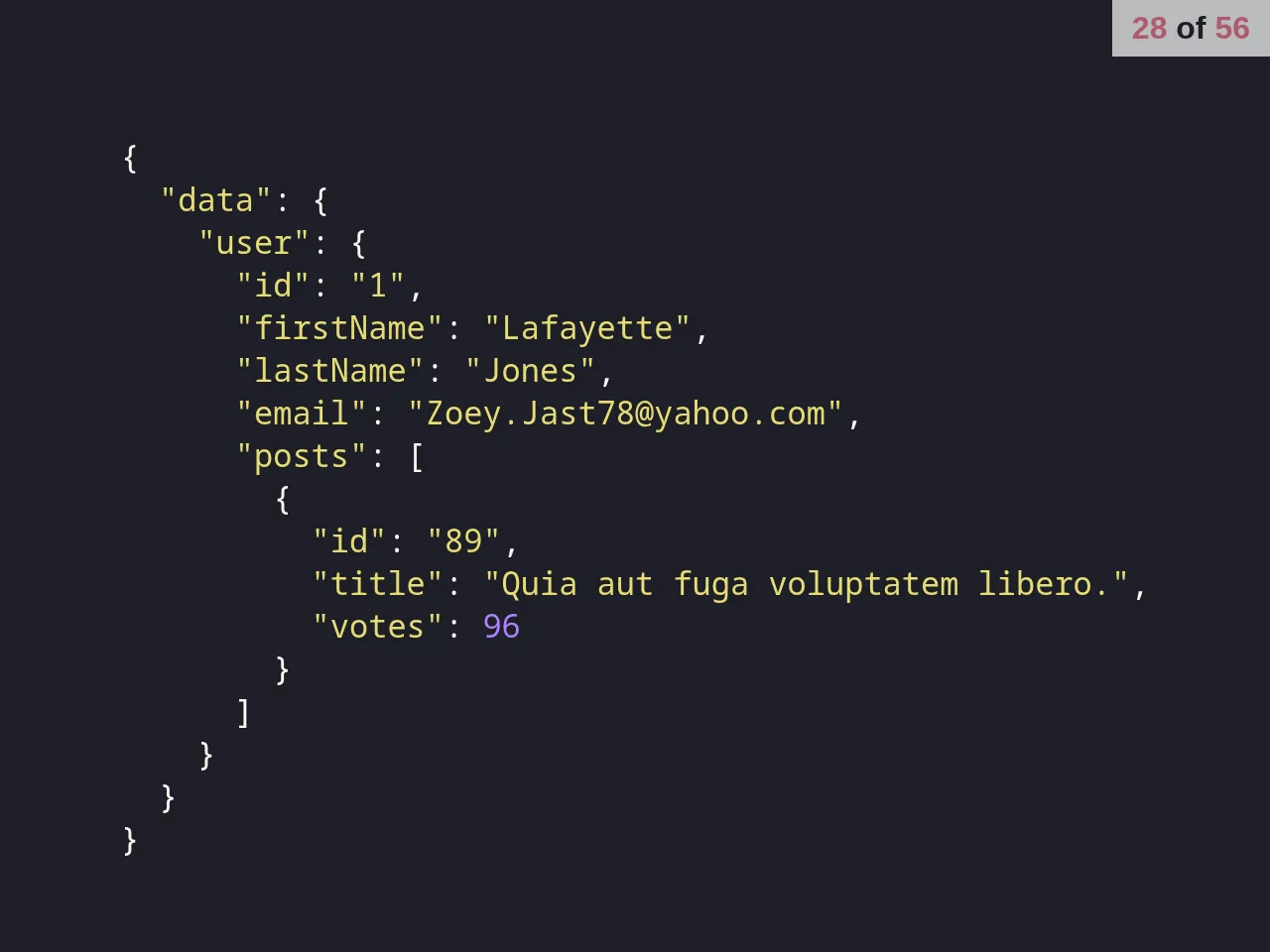
The rest of the deck answers with GraphQL. A query describes what you want back in the shape you want to receive it, and the response comes back in that shape. Aliases fetch two users in one request, a recursive query shows how deep nesting can go (a later slide says “Don’t do this”), and further examples cover pagination, filtering and mutations.
The talk then breaks for a demo and code walkthrough, lists client frameworks and server languages that work with GraphQL, names what it didn’t cover (fragments, caching, cursor pagination, Relay nodes and edges, and auth), and ends with links to graphql-ruby, Apollo and awesome-graphql.
The demo server
The server is a Rails 5.1 app on SQLite with GraphQL Ruby 1.7, set up with the gem’s graphql:install generator. It answers at /graphql, with GraphiQL at /graphiql in development. The schema has two object types, User and Post, with queries for lists (taking offset and limit) and single records, and mutations to create and update users and posts, and to upvote and downvote a post: the same feature that cost two new routes on the REST slides.

app/graphql/types/mutation_type.rb in the demo server.A small instrumenter renames Ruby’s snake_case fields and arguments to camelCase (first_name becomes firstName). Associations are preloaded with graphql-preload, which batches them through graphql-batch, and graphql-errors turns validation failures into GraphQL errors and missing records into null. A db:prepare rake task resets the database and fills it with five Faker users with five posts each, and Rack::Cors accepts requests from any origin.
Not every slide matches this server. Its lists take offset and limit, for example, while the pagination slides use first and skip.
How the deck is built
The deck reuses the React and styled-components slide code from the Styled Components talk at Tulsa TechFest the summer before, this time with 56 slides. It runs the same way: with Node 8 and Yarn 1, yarn start serves it, and each slide has its own URL. The demo server’s camelizing instrumenter is the same one used by the GraphQL Store, a larger Rails and GraphQL Ruby API with a React client from two months earlier.
The creation date shown here is the GitHub repository’s UTC creation date. The slides were captured by running the deck locally from its source, and the code card shows the demo server’s source.