
AI Image Generation Studio is a web app for trying several image models side by side. You write a prompt, pick any of six models available through OpenRouter, add preset styles, aspect ratios and reference images, and the results fill a gallery as each model finishes. Each account keeps its own history, and the images live in a Cloudflare R2 bucket.
The repository’s eight commits date from the end of December 2025, and it hasn’t changed since. It’s public, but it has no open-source license. There’s no hosted version, so running it takes your own OpenRouter key and R2 bucket.

Features
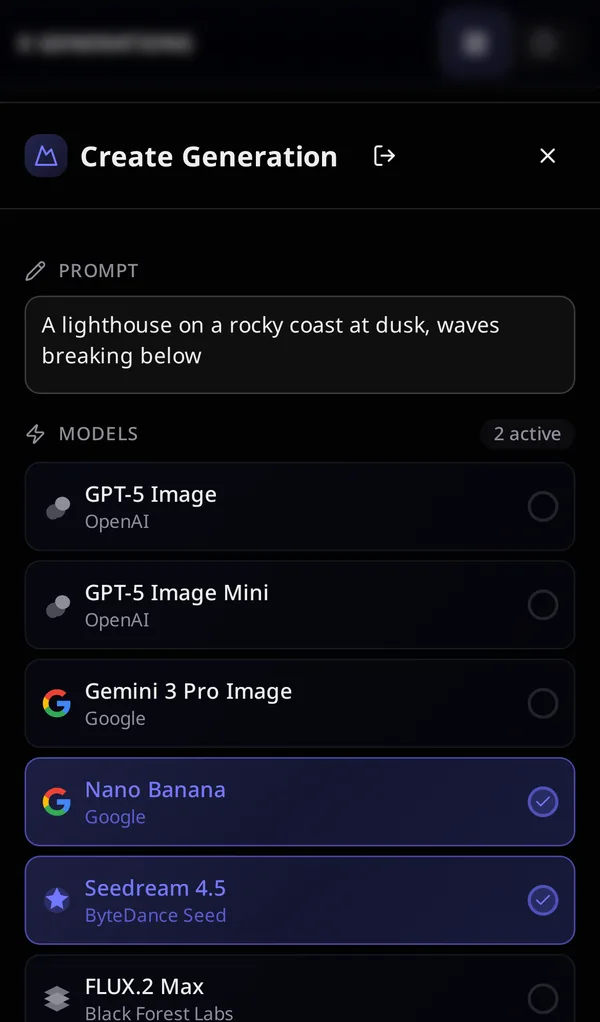
- Six models. GPT-5 Image and GPT-5 Image Mini from OpenAI, Gemini 3 Pro Image and Nano Banana (Gemini 2.5 Flash Image) from Google, Seedream 4.5 from ByteDance Seed, and FLUX.2 Max from Black Forest Labs. Every selected model gets the same prompt.
- Aspect ratios. 1:1, 16:9, 9:16, 4:3, 3:4 and 21:9. Each selected ratio becomes its own generation, so two ratios and three models make six model calls.
- Artistic styles. Twelve presets, from Photorealistic and Anime to Watercolor, Cyberpunk and Fantasy. Each one appends a list of keywords to the prompt.
- Reference images. Drop in images to guide or edit, and they go to the model along with the prompt.
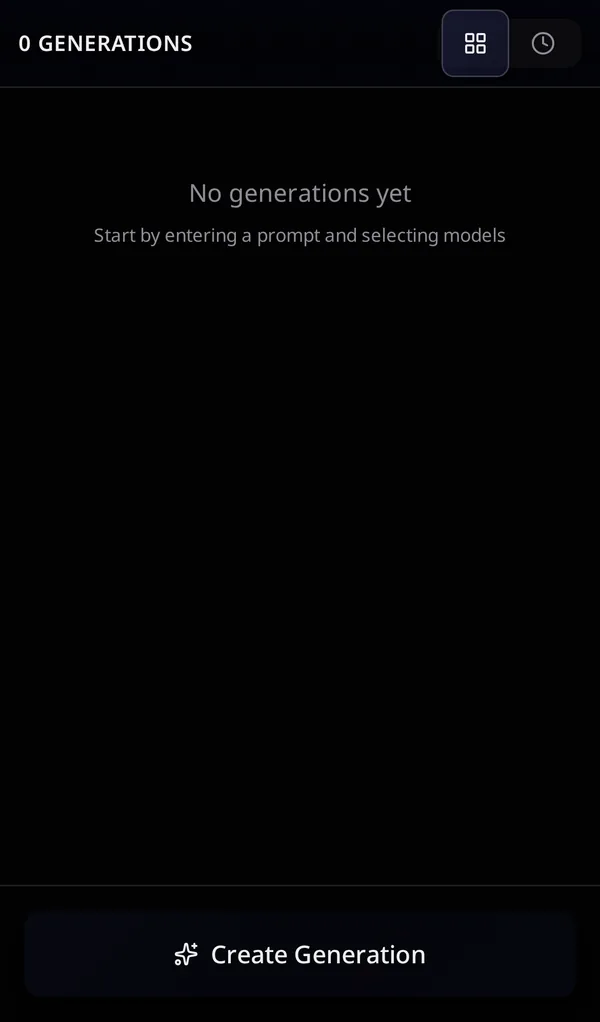
- A gallery. A masonry grid, or a timeline grouped by day, with each image labeled by its model. Open an image to download it or delete its generation.
- A phone layout. The form moves into a bottom sheet behind a sticky Create Generation button.
How it works
Pressing Generate calls a TanStack Start server function once per aspect ratio. It saves a generation with a pending record for each model and returns right away. A background task then calls the models one at a time through OpenRouter’s chat completions API, asking for image output in the chosen aspect ratio and attaching any reference images. Each image that comes back is uploaded to R2 and saved, and a model that fails is marked with its error.
Meanwhile the browser shows a placeholder for each model and opens a server-sent events stream for each generation. The stream checks the database every 500 milliseconds and announces each new image as it lands, then the end of the run, so images appear in the gallery one by one.
How it’s built
It’s TanStack Start 1.145 with React 19.2 and Vite 7, built for Node with Nitro. The interface is shadcn/ui on Base UI with Tailwind CSS 4.1, with Masonic for the masonry grid, react-dropzone for uploads and Sonner for notifications. Better Auth handles email and password accounts. Prisma 7 keeps users, generations, models and images in SQLite through its libSQL adapter, and the AWS SDK’s S3 client stores images in R2 and serves them through presigned URLs.
Running it
You need an OpenRouter API key and an R2 bucket. The README lists the environment variables. After installing the dependencies, npm run prisma:generate and npm run prisma:migrate set up the database, and npm run dev starts it on port 3000. For this page it ran on Node.js 24. On Node.js 26, the dev server’s responses lost their headers and sign-in failed.
The creation date shown here is the GitHub repository’s UTC creation date. The cover is cropped from the screenshot in the README, and the other screenshots were captured by running a production build locally from the source, with a local test account and no OpenRouter key or R2 bucket, so nothing was generated.