← All articles

Launching llink.space

Why I finally built llink.space as a link-in-bio home base after putting it off for years.

Josh Hamilton4 min read
llink.space home base screenshot
Reading appearance

Preferences stay in this browser.

Keep or share this article
Download Markdown

Use your browser’s print dialog to print or save a PDF.

You can also select and copy the citation above.

Look up a technical term →

I launched llink.space as a simple link-in-bio home base for my work.

For a long time, I wanted one clean place where people could quickly find:

  • what I am building
  • what I am writing
  • where to reach me

I just never made time to do it.

Code is open at github.com/nearbycoder/llink.space.

The app is built with TanStack Start and TypeScript.
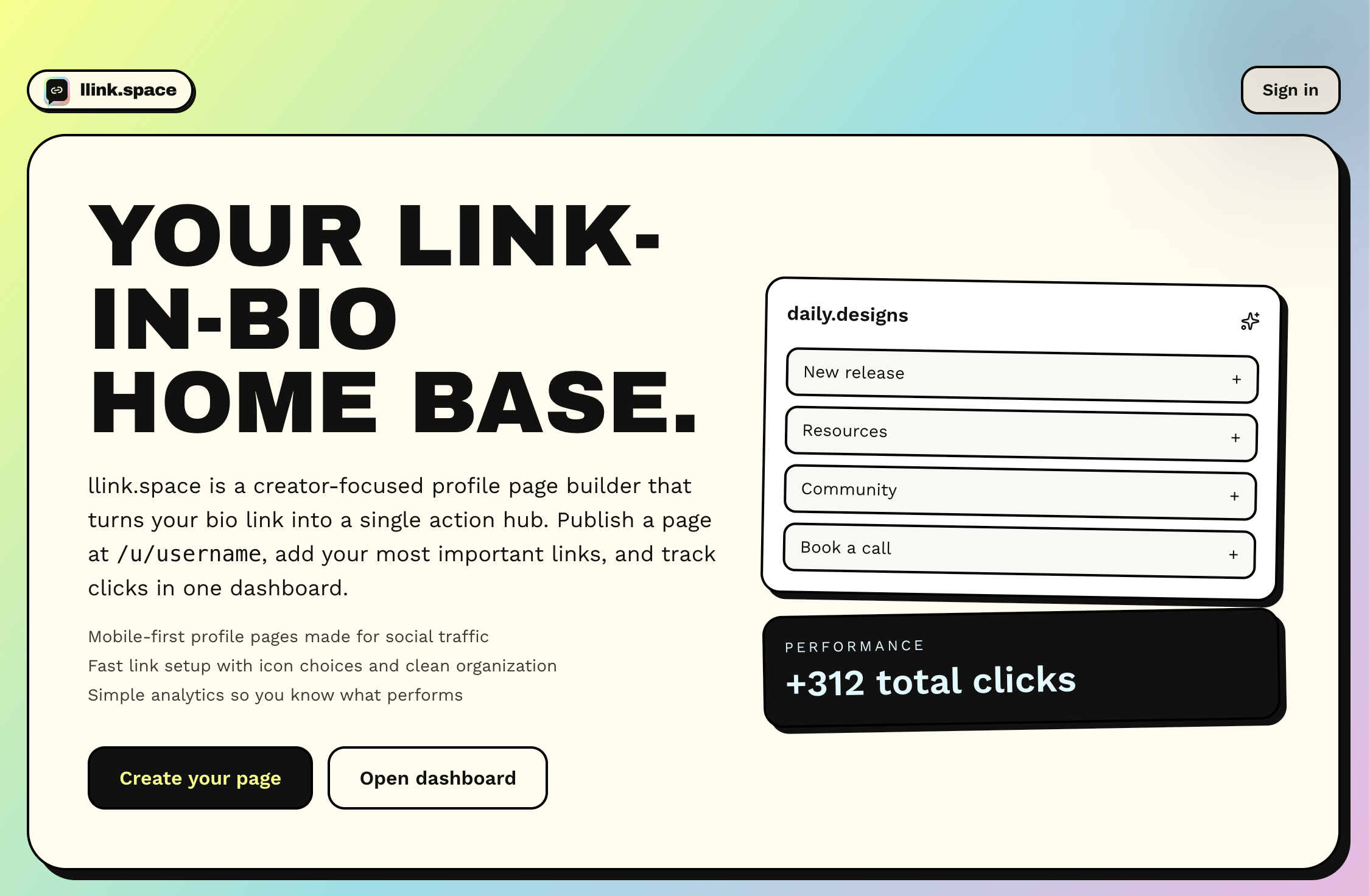
llink.space home base screenshot

Why I built it now

I am shipping more in public, and my links were spread across too many places.

That creates friction:

  • people miss recent projects
  • older links stay visible longer than they should
  • there is no single page that reflects what is current

I wanted one URL I could share anywhere and know it represented what I am focused on right now.

What llink.space is

  • A central profile page for my active projects and writing
  • A cleaner way to share my online presence from one link
  • A lightweight foundation I can keep evolving as I ship more

What this unlocks next

Now that the base exists, I can iterate fast:

  • rotating featured projects
  • adding newer content without editing multiple profiles
  • testing copy and structure so the page communicates value faster

If you want the product breakdown, I also added it here: llink.space project page.

Your private notes

Only on this device. Notes are never published or sent to a server. Keep up to 100 notes, with 10,000 characters per article. A full store never discards an older note.

Enable JavaScript to keep private notes.

Behind this story

Explore llink.space →

Keep the curiosity going

build-in-public

Launching uutil.space

A simple utility app with developer tools baked in, so I can run quick helpers from anywhere on the web.

3 min read
ai

When AI in an interview fails you

I used AI heavily in a technical interview, felt great about the build, and still got rejected because the team could not gauge enough of my understanding.

6 min read
interviews

The 6-hour build and why technical interviewing needs to change

Building TripHaven in about six hours made one thing clear: interviews should test end-to-end product replication and engineering judgment, not isolated feature trivia.

7 min read

Article image

Open original image ↗

Keyboard shortcuts

Shortcuts stay out of text fields. Extra shortcuts are off until you enable them on this device. Ctrl or Command K is always available.

?
Open this help
Ctrl / ⌘ K
Open site search
Alt A
Browse articles
Alt R
Open your reading list
Alt T
Browse topics
Escape
Close dialogs or leave article focus mode