← All articles

Launching uutil.space

A simple utility app with developer tools baked in, so I can run quick helpers from anywhere on the web.

Josh Hamilton3 min read
uutil.space screenshot
Reading appearance

Preferences stay in this browser.

Keep or share this article
Download Markdown

Use your browser’s print dialog to print or save a PDF.

You can also select and copy the citation above.

Look up a technical term →

I launched uutil.space as a super simple utility app with developer tools built in.

Code is open at github.com/nearbycoder/uutil.space.
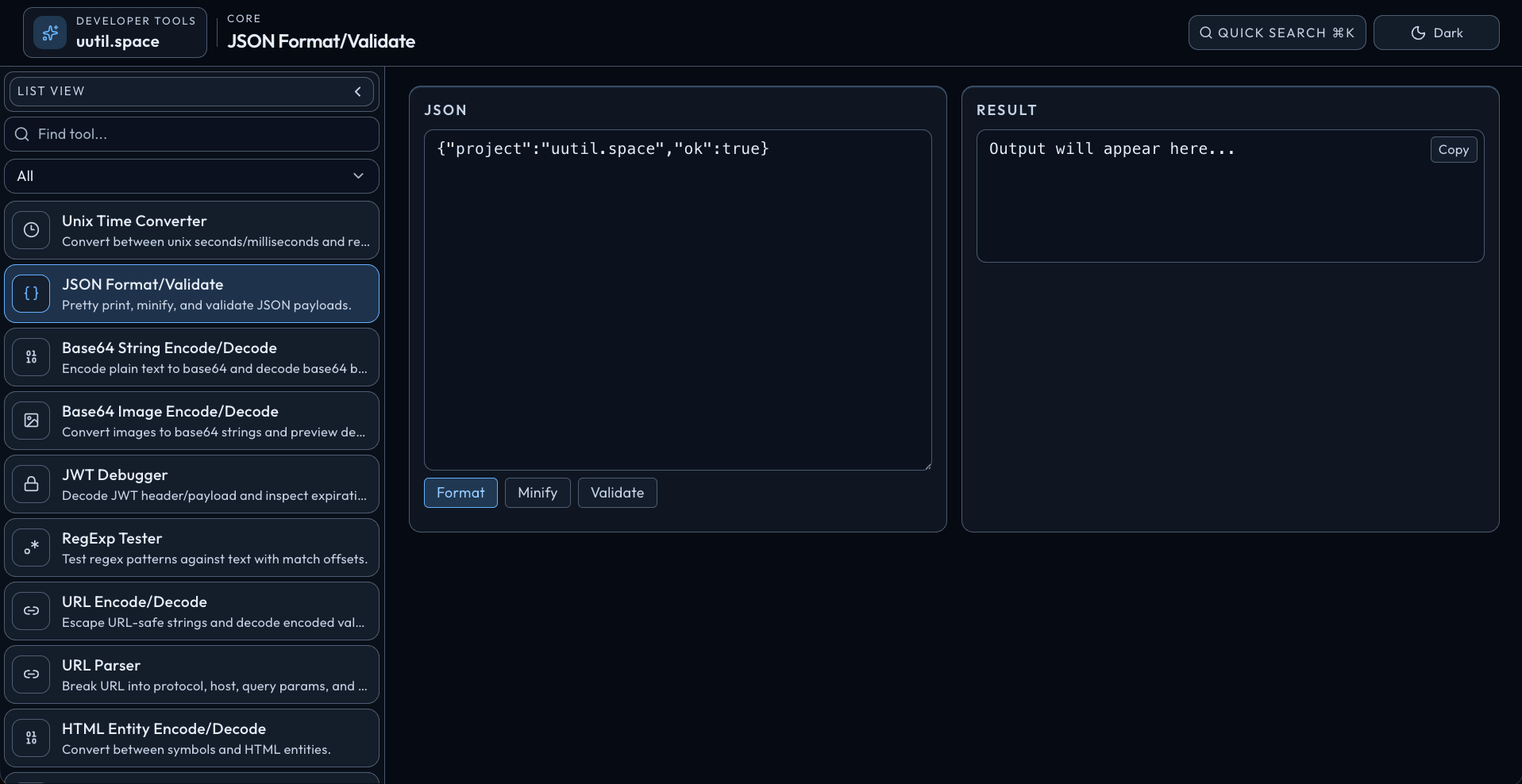
uutil.space screenshot

Why I built it

I keep running into the same problem:

  • I need to do random dev-tool tasks while browsing
  • the tool I need is never where I need it
  • I lose time jumping between tabs and apps

So I made one quick place I can open from anywhere and get straight to the utilities I use most.

What uutil.space is

  • A lightweight utility app for developer helpers
  • Built to be fast, simple, and always available in the browser
  • Focused on cutting friction for small repetitive tasks

What shipped

Your private notes

Only on this device. Notes are never published or sent to a server. Keep up to 100 notes, with 10,000 characters per article. A full store never discards an older note.

Enable JavaScript to keep private notes.

Behind this story

Explore uutil.space →

Part of a reading path

Keep the curiosity going

build-in-public

Launching llink.space

Why I finally built llink.space as a link-in-bio home base after putting it off for years.

4 min read
ai

Reviving old projects in an AI era

How revisiting old ideas after a layoff reignited my creative drive and compressed weeks of work into hours with Claude and Codex.

7 min read
ai

Building AGFS.dev on my wife's MacBook Neo with an AI agent

Why the citrus MacBook Neo is more capable than it looks, and why AI-assisted coding makes it a legit first developer machine.

6 min read

Article image

Open original image ↗

Keyboard shortcuts

Shortcuts stay out of text fields. Extra shortcuts are off until you enable them on this device. Ctrl or Command K is always available.

?
Open this help
Ctrl / ⌘ K
Open site search
Alt A
Browse articles
Alt R
Open your reading list
Alt T
Browse topics
Escape
Close dialogs or leave article focus mode