
HEAT CHECK is an original, over-the-top 2-on-2 arcade basketball game in the spirit of the classic 90s cabinets: turbo sprints, ten-foot-high dunks, shoving with no fouls, and players who heat up and catch on fire. The README says everything in it is original, from the names, teams and logos to the announcer lines and the art, and that it borrows the genre and its classic rules, not anyone’s IP.
The game is C++ on Unreal Engine 5.9, with no Blueprints, and Blender 5.3 builds all of its art from Python scripts. The browser version, which the Play in your browser button opens, is a port of the C++ to JavaScript on Three.js, built on the same models, animations and synthesized sound. It plays with a keyboard, gamepads or on-screen touch controls.
Only two whistles
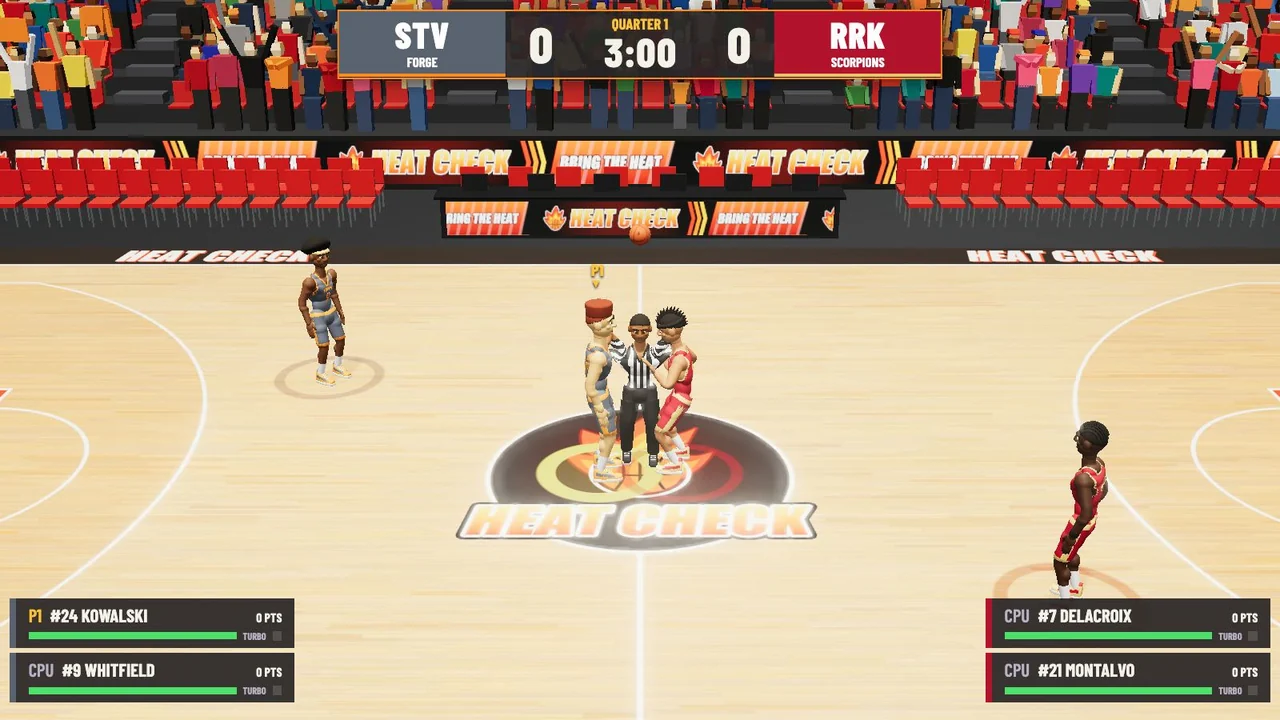
Games are 2-on-2 over four quarters of one to five minutes, three by default, with overtime if it’s tied. The referee tosses a jump ball to start the game and each overtime, and pressing Shoot after the release tips it toward your teammate. There are no fouls, so shoving, elbowing and knocking people down are all legal, and the only violations called are the 24-second shot clock and goaltending. Three-pointers count from beyond the arc or in the corners, buzzer-beaters count, and after a made basket the other team inbounds from under that basket with the clock stopped.
Make two baskets in a row without the other team scoring and you’re heating up, which helps your accuracy. Make three and you’re on fire: unlimited turbo, much better shooting, more dunk range, harder shoves and steals, a flame trail on the ball, a burning net when you score, and goaltending without a penalty. The fire goes out when the other team scores, or after four more baskets.
The chance of every shot going in is worked out in code. A jump shot starts from its distance, at 66 percent close to the rim down to 4 percent for a long heave, and the shooter’s rating and the timing of the release move it from there. A defender within 1.7 meters takes off up to 15 percentage points, or 26 if he’s in the air. Being on fire adds 28 points, less on long heaves, and heating up adds 5. In the last 12 seconds of the fourth quarter or overtime, with the score within five, the shooter’s clutch rating counts for or against him. The computer’s shots get a bias by difficulty, from 7 points worse on Rookie to 4 better on Legend, and like the arcade originals it finds 5 more when it trails by 7 or more and gives 4 back when it leads by 9 or more. On Rookie, the human team gets 4 points of help. Every chance ends up between 3 and 93 percent, or 95 for a layup.

HCGameModeEvents.cpp: the defender, the fire, the clutch and the computer's bias.Dunks, shoves and alley-oops
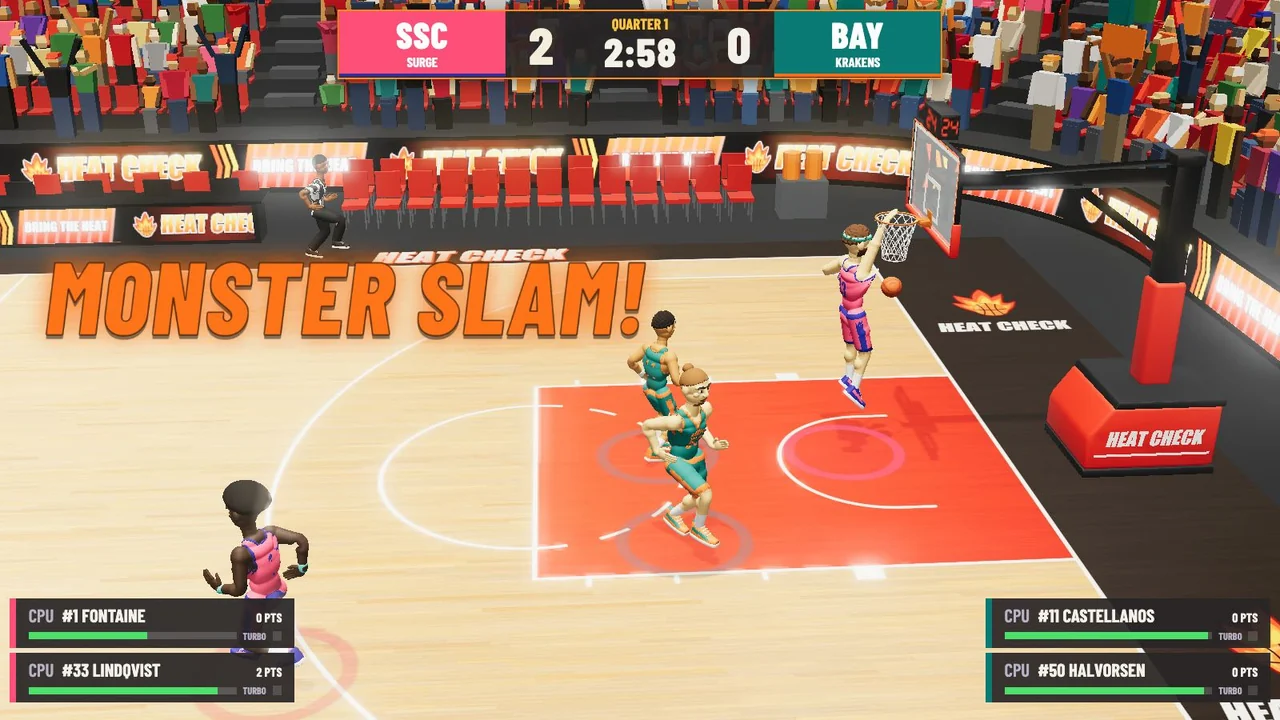
Turbo with Shoot inside dunk range is a dunk, and the game rolls for a style that suits the distance: mostly two-handers close in, windmills and 360s from mid-range, 360s, windmills and reverses from farther out, and a flip from beyond 3 meters when you’re on fire. Turbo with Pass to a teammate near the rim is an alley-oop. Shove, facing a nearby opponent, pushes him back and jars the ball loose, or clears space when your teammate has the ball, and Turbo with Shove adds a knockdown if you have the stamina. A timing meter appears next to your shooter, and releasing at the top of the jump, in the green, gives the best percentage. On defense, letting go of turbo near a ball handler shuffles or backpedals in front of him, and holding it turns and chases. When your computer teammate has the ball, Pass calls for it and Shoot tells him to shoot.
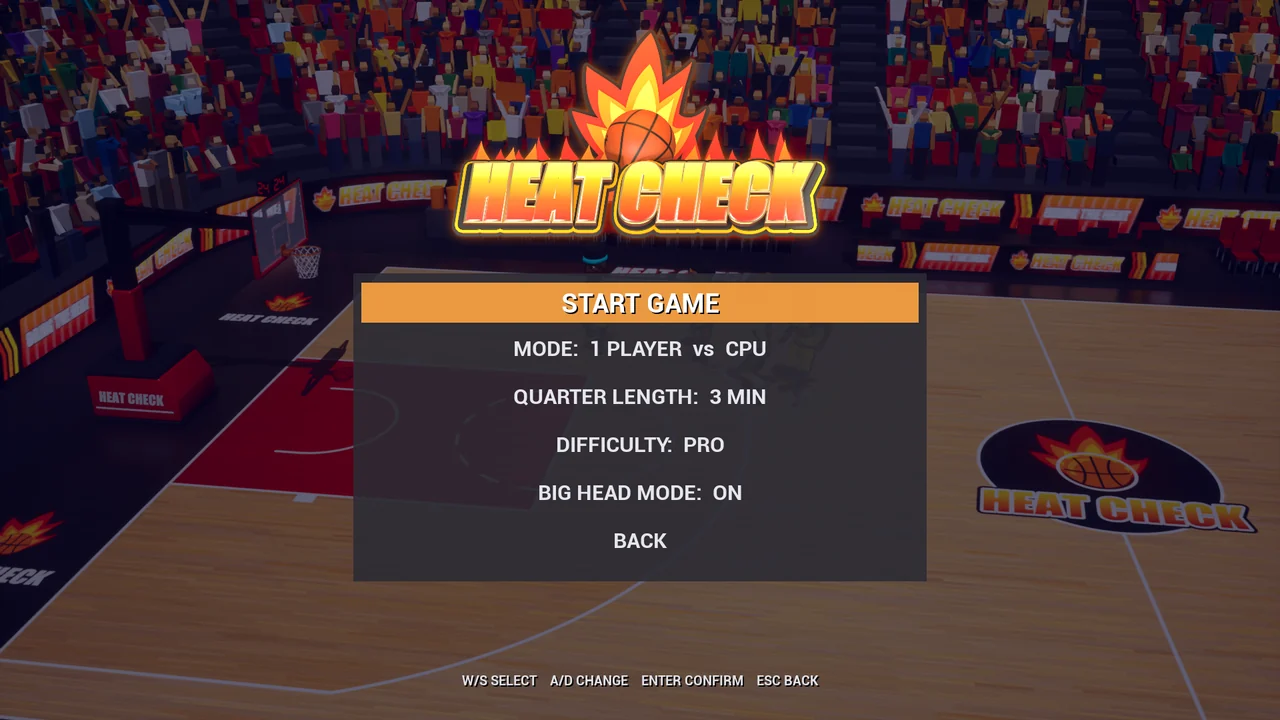
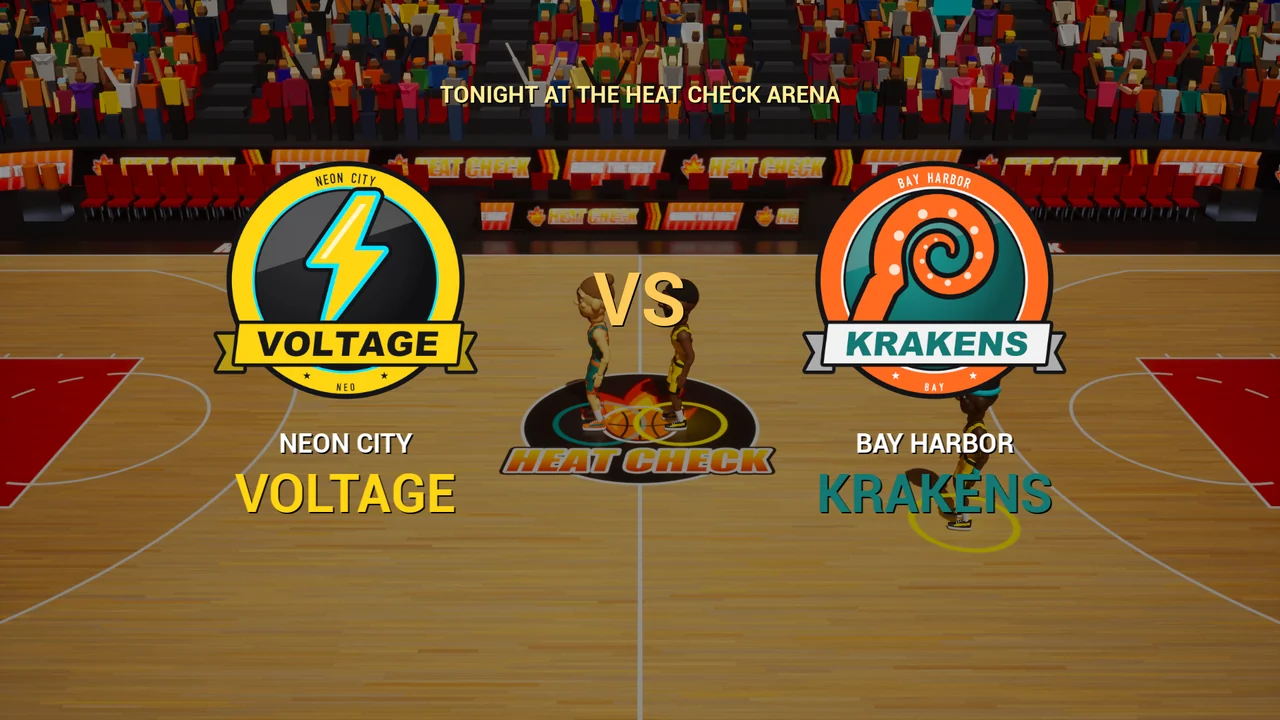
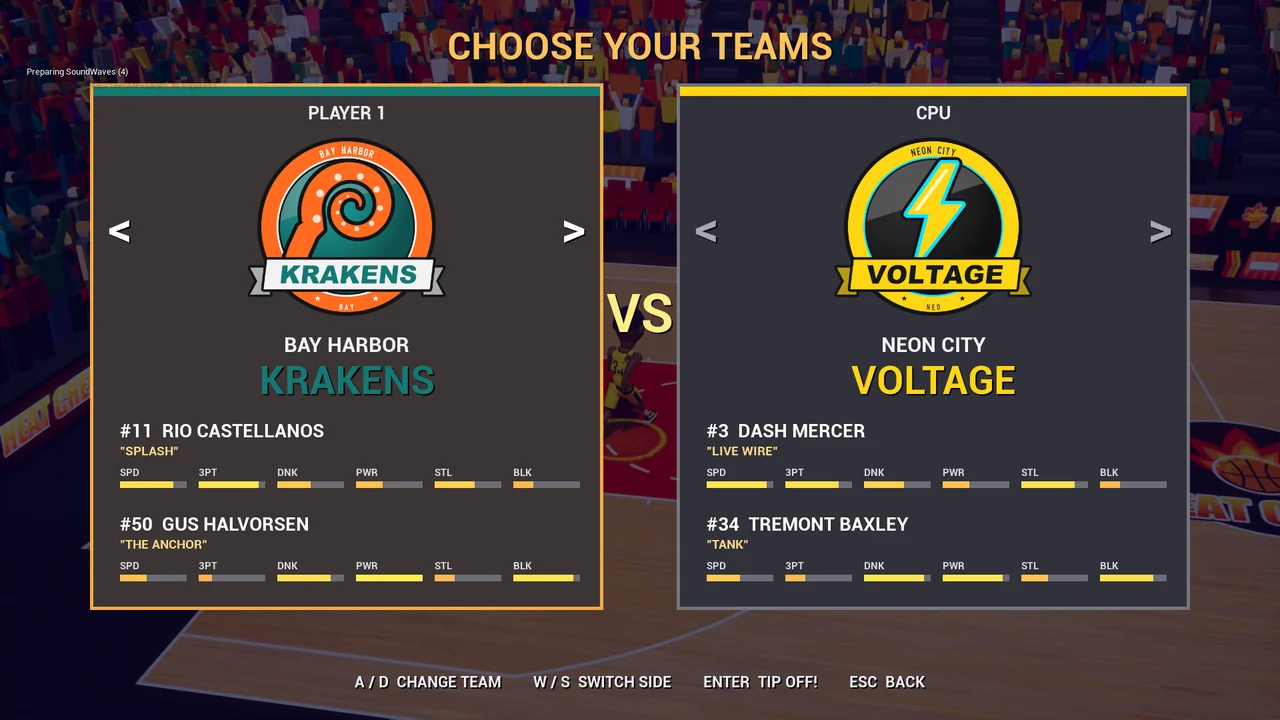
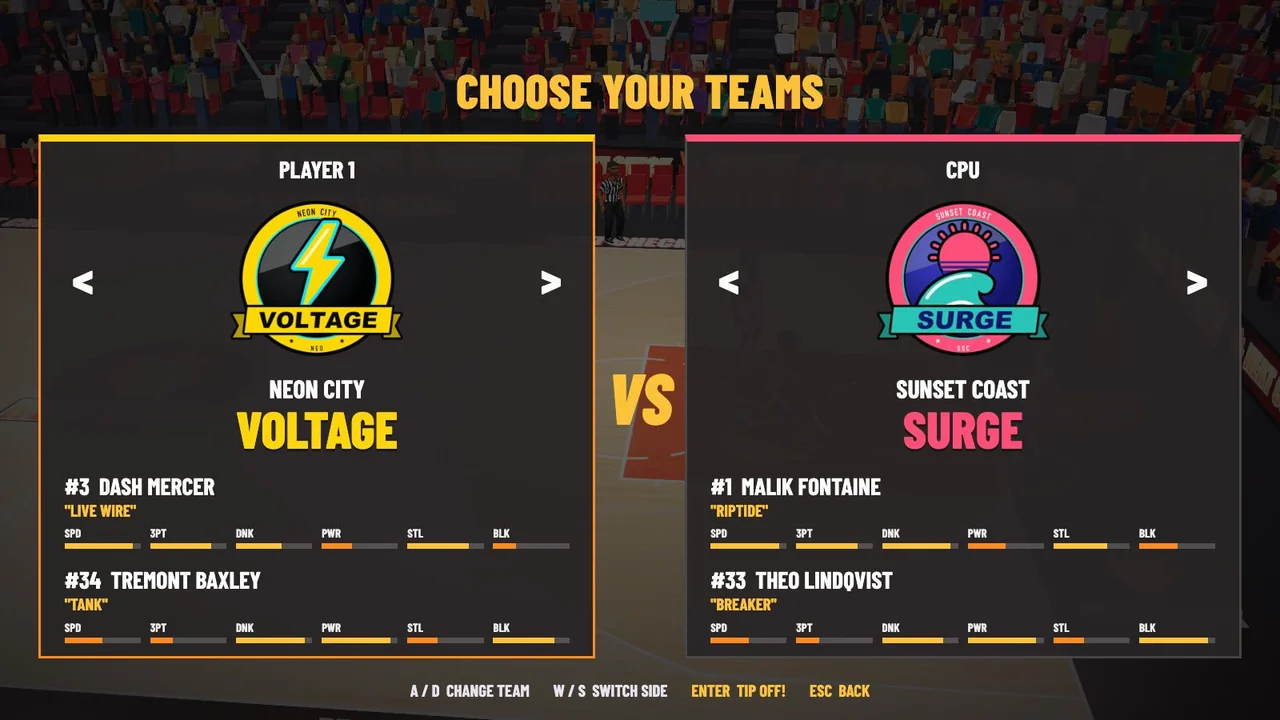
There are four modes: one player with a computer teammate, two players on the same team, two players head to head with a computer teammate each, and computer against computer, which also plays behind the logo on the title screen. Difficulty is Rookie, Pro or Legend, and Big head mode is just what it sounds like. Six original teams have two players each, and every player has his own look and ratings out of 10 for speed, shooting, three-pointers, dunking, passing, power, steals, blocks and clutch.
| Team | Players |
|---|---|
| Neon City Voltage | Dash “Live Wire” Mercer, Tremont “Tank” Baxley |
| Bay Harbor Krakens | Rio “Splash” Castellanos, Gus “The Anchor” Halvorsen |
| Red Rock Scorpions | Marquis “Sting” Delacroix, Javier “Desert Storm” Montalvo |
| Frostburg Yetis | Nils “Avalanche” Brekke, Kenji “Flurry” Arakawa |
| Steel Valley Forge | Hank “Hammer” Kowalski, Andre “Spark Plug” Whitfield |
| Sunset Coast Surge | Malik “Riptide” Fontaine, Theo “Breaker” Lindqvist |
Built from code
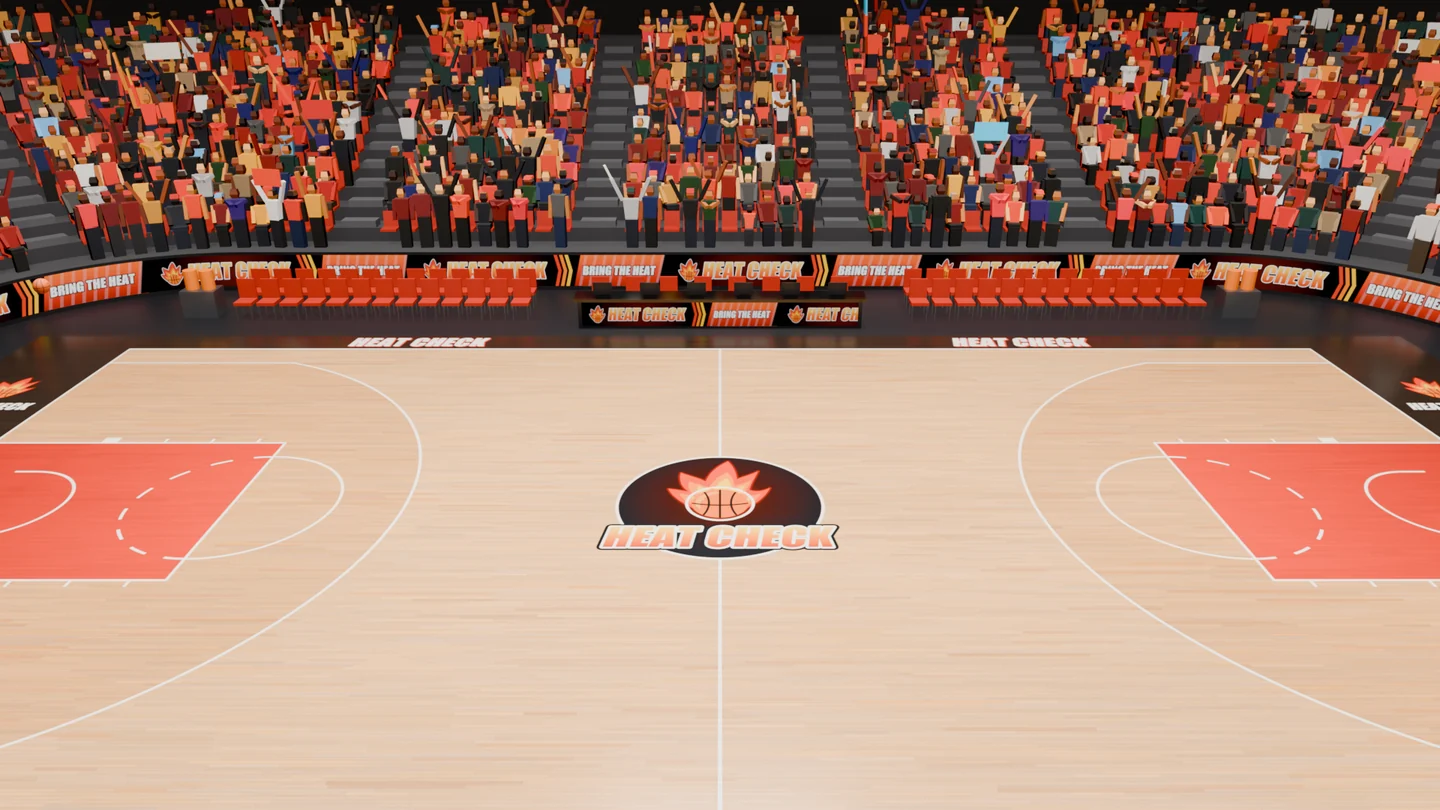
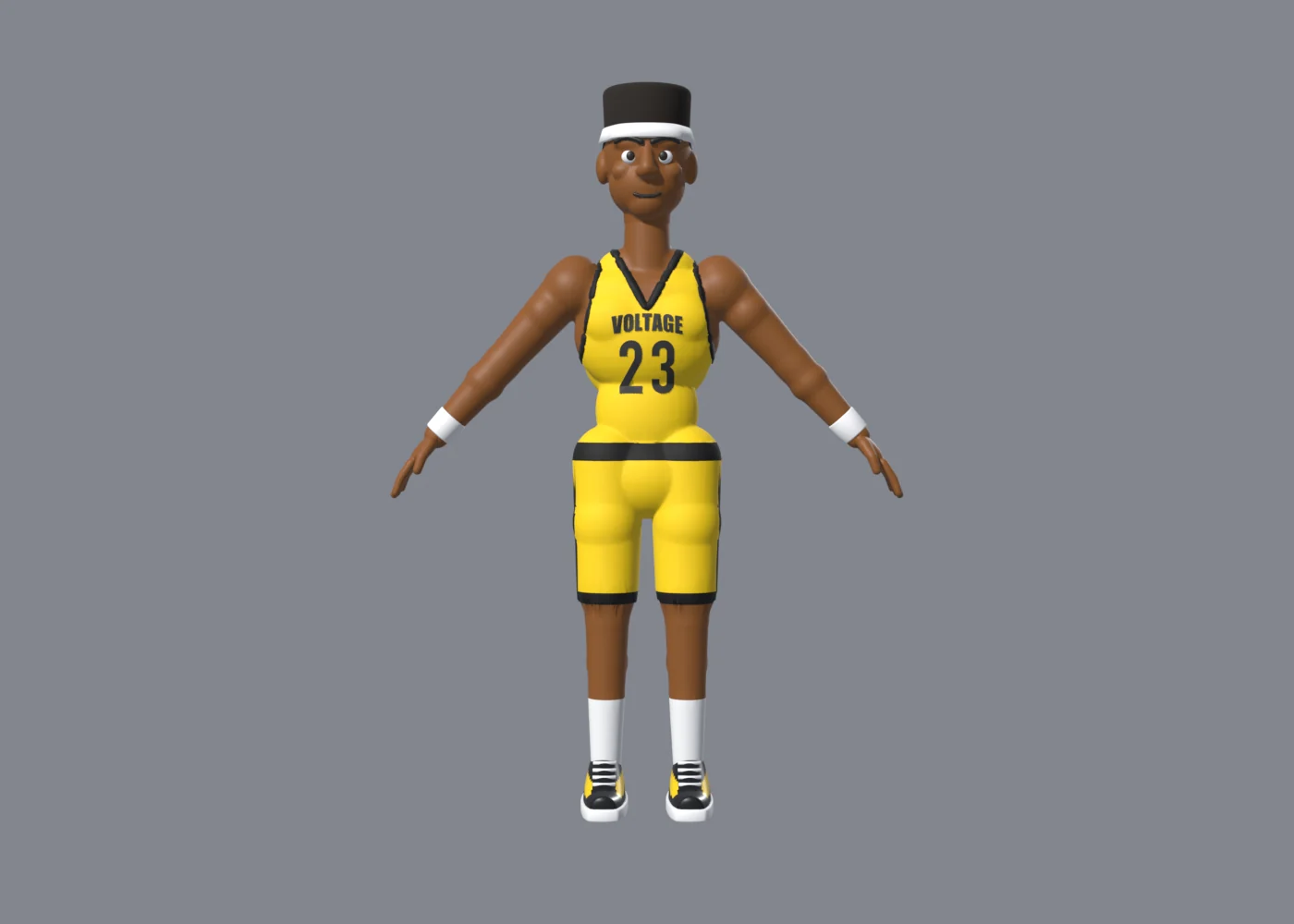
Blender/gen_character.py builds the athlete as one skinned mesh, with a V-neck jersey, trim, shorts, socks, high-top sneakers and a stylized big head with a face, plus modular pieces: seven hair styles, two beards, a headband, wristbands, 30 jersey-number meshes and six team chest wordmarks. char_rig.py makes a 25-bone skeleton with an IK pose builder, and gen_anims.py keys 22 player clips, including defensive shuffles, backpedaling and dunk landings. Other scripts build the referee and his two-handed toss, the court with its 8K hardwood texture, the hoop with its stanchion, glass, rim and net, the ball, the 3D title logo, the team badges and the effects sprites. The arena script builds the bowl, which the README says has 6,354 seats and 5,754 animated fans, along with LED ribbons, benches, the scorer’s table, a jumbotron, a light rig and banners. check_motion.py samples every frame of the animation library to check loop seams, floor contact, event markers and the fall-to-get-up transition.
Tools/gen_audio.py synthesizes every sound effect, crowd bed and music loop with NumPy, and it speaks every announcer line through macOS’s say command with the Daniel voice, pitched up. It writes 82 WAV files: two music loops, 43 announcer lines, and 37 effects, crowd and menu sounds. Its seeds are fixed, so a rerun reproduces the same synthesized sounds.
Gameplay is all C++ in Source/HeatCheck, 8,268 lines in 32 files, with no Blueprints or Anim Blueprints. A native animation player crossfades the Blender clips and drives Big head mode. The ball’s physics are analytic, with a torus for the rim, the backboard, the floor and drag from the net, alongside scripted makes and misses, synced dribbling, homing passes and a fire trail. The camera director runs a broadcast sideline camera with a dunk zoom and shake, and the HUD draws the scoreboard, meters, call-outs, menus and box scores on Unreal’s canvas.
Graphics, sound and frame rate
In the Unreal game, Graphics and Sound open from the main menu or the pause menu. Graphics has Performance, Balanced, High, Ultra and Cinematic presets, and higher settings animate the upper deck, add crowd spotlights and turn on overhead softbox shadows. A fresh profile starts at Balanced, with an 80 percent render scale and a 120 FPS limit. A quality meter shows the frame rate and the real frame time, averaged over half a second, with a tick at the 8.33 ms budget for 120 FPS. Sound has separate levels for the master volume, music, announcer, crowd, gameplay effects and menu sounds, and Mute all keeps the mix. The browser version has Performance, Balanced, High and Ultra presets, and it starts on High at full render scale on a computer and on Performance on a phone.
The README reports measurements of the packaged game on an Apple M5 Max with a 40-core GPU at 1920 × 1080. Its final short comparison went from 100.2 frames per second on the original package to 119.8 on the optimized one, with the median GPU time down from 8.29 to 5.20 ms. Full matches are harder: a four-quarter one-player run with the referee and shoves, with another game instance active, averaged 90.0 frames per second across 34,873 frames, with a 95th-percentile frame of 16.11 ms and 12.6 percent of frames within the 8.33 ms budget. The README says sustained full-match 120 FPS remains open.
The browser version
The browser version in web/play ports the C++ module by module: the match flow, the shot odds, heat and fire, the analytic ball physics, every action state, the computer AI, the broadcast camera and the HUD. The shot odds keep the same numbers as the C++. It’s 5,055 lines of JavaScript in 16 modules with no build step: Three.js r170 is vendored in web/play/vendor, and the HUD and menus are HTML. Tools/web/build_web_assets.sh turns the Blender files into glTF with meshopt compression and the WAVs into MP3, with Ogg Opus copies of the four loops, in about 25 seconds. A first visit downloads about 16 MB, or 23 MB uncompressed. On a phone or tablet held sideways, an on-screen stick and buttons appear, and a gamepad works there too.
How it was made
The repository has four commits. The first, on November 17, 2026, holds a README stub and the icon. The other three, all on November 20, add the Unreal game, the art pipeline, the web port and the website, then mention the touch controls on the website, then split the Pages workflow into build and deploy jobs, and all three are co-authored by Claude. The README and the website say every model, texture, animation and sound was generated from code, and that the names, teams, logos, announcer lines and art are all original.
Play it
Play in your browser, or start from the website, which has the rules, the teams, the controls and a gallery. Press Enter or Start on the title screen, pick a mode and options, choose both teams and tip off. Player one moves with W A S D, shoots with J or Space, holding it and letting go at the top of the jump, passes or steals with K, shoves with H and turbos with L or Left Shift. Player two uses the arrow keys with Numpad 1, 2, 0 and 3, or comma, period, M and slash. Browsers only see a gamepad after one of its buttons is pressed.
There’s no Mac download. Building the desktop game takes macOS with Xcode, Blender 5.3 and a source build of Unreal Engine 5.9 at ~/UnrealEngine. Then Tools/build_art.sh, Tools/import_assets.sh, Tools/build.sh and Tools/play.sh generate the art and sound, import it, compile the game and run it, and Tools/package.sh makes a standalone HeatCheck.app.
Browse the source on GitHub. The creation date shown here is the GitHub repository’s UTC creation date. The cover, the options, intro and Unreal team selection screens, and the Blender renders of the arena and the player come from the repository’s Docs/media folder, and all but the player render were shrunk with Lanczos resampling. The browser version’s team selection, monster slam and tip-off are the website’s own screenshots of the web port, and the two videos and their posters are the website’s too. The code excerpt is from HCGameModeEvents.cpp.